English
 Arabic
 French
 Spanish
 Portuguese
 Deutsch
 Turkish
 Dutch
Dutch
 Italiano
 Russian
 Romaian
 Portuguese (Brazil)
 Greek
Greek
Integrated Intelligent Power Module (IPM) Market, Trends, Business Strategies 2026-2034
Religion |
2026-04-15 07:56:22
 Social Networth OS
 Creator Commerce
 Launch Startup
 Global News
 Creator Award
 Talkfever App
Alle anzeigen
Talkfever App
Alle anzeigen

Upgrade auf Pro
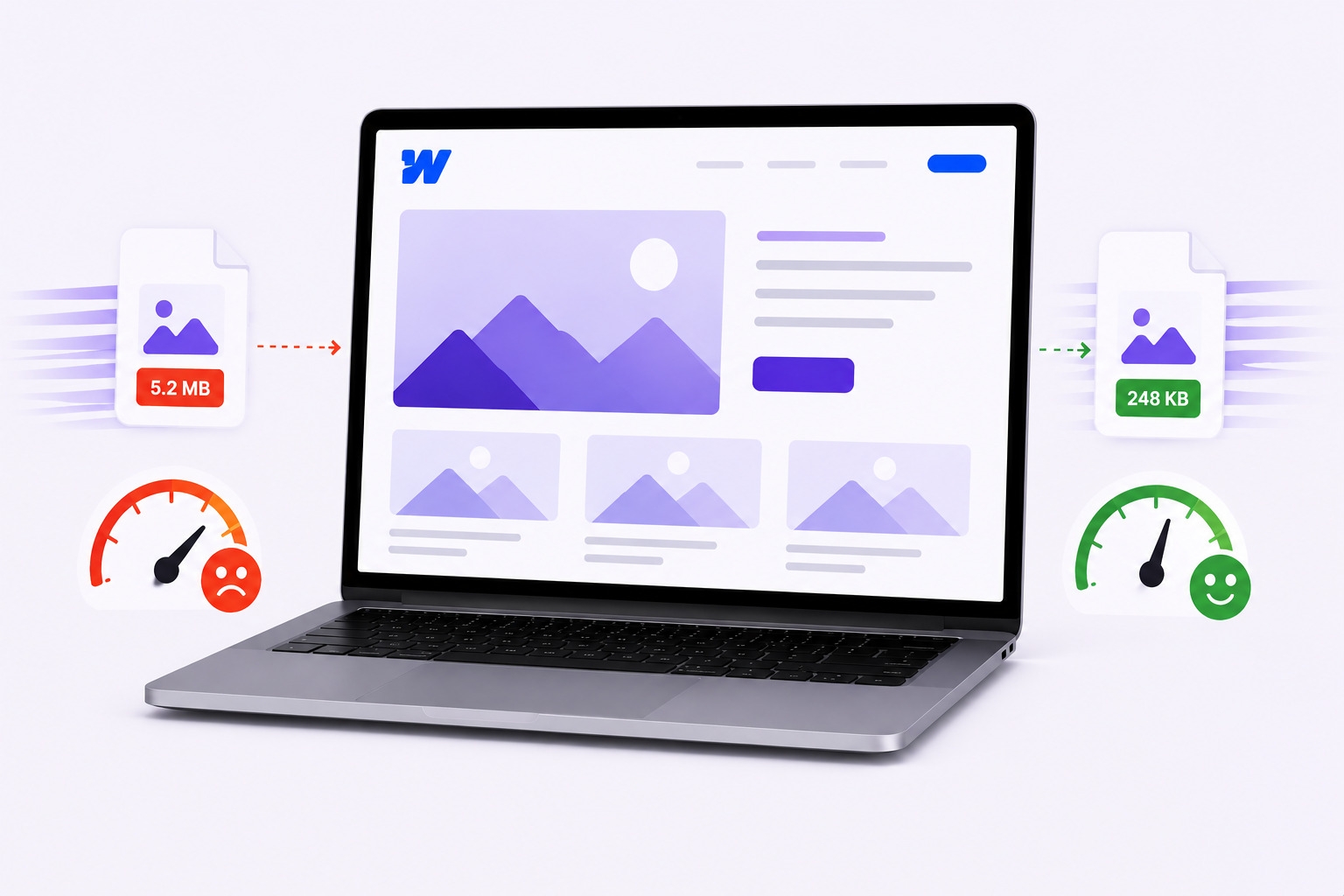
Webflow gives designers an incredibly clean canvas. But even the most polished sites can run into serious performance problems, and images are almost always at the center of it. Poor Webflow image optimization drags down page speed, hurts Core Web Vitals, and frustrates visitors before they even see the content.
This post breaks down seven of the most common image mistakes found on Webflow sites, explains what's actually going wrong under the hood, and walks through what a better approach looks like.
Designers often drop high-resolution originals directly into Webflow - files that can be 6MB, 10MB, sometimes more. The page renders the image at maybe 1,200px wide, but every visitor's browser is still downloading a 5,000px original.
That's a massive amount of wasted data. A single oversized hero image can contribute to a poor Largest Contentful Paint (LCP) score, pushing it beyond Google's 2.5-second "good" threshold and creating a slower experience for visitors. Resizing before uploading is important.
A lot of teams think about compression as a final step, something to handle right before going live. The problem is, by then there might be hundreds of images scattered across the media library, and manually going through each one is tedious at best.
Compression should be part of the upload workflow. Even a 70-80% reduction in file size is achievable without visible quality loss. Skipping this step consistently or doing it once and never again leaves significant performance headroom untouched.
PNG is a perfectly valid format for logos with transparent backgrounds, screenshots, and graphics with text. It is not the right call for photographs, hero banners, or large background images on a Webflow site.
PNG files are substantially heavier than WebP equivalents at comparable quality. WebP produces files roughly 25-35% smaller than PNG. For image-heavy pages, switching formats can meaningfully cut total page weight without touching a single design decision.
Lazy loading is genuinely useful, but applying it to the wrong images makes things actively worse. A surprisingly common mistake on Webflow builds is lazy loading the main hero image or the primary above-the-fold banner.
LCP measures how long it takes for the largest visible element to render. If that element has loading="lazy" on it, the browser intentionally delays fetching it. The result is a direct, self-inflicted hit to LCP scores. Above-the-fold images, particularly the LCP image, generally should not be lazy-loaded. Images below the fold are better candidates for lazy loading.
Alt text and file naming get skipped constantly on Webflow projects, usually because they feel like low-priority polish items. But both carry real weight for accessibility and for image SEO.
A file named DSC04821.jpg with alt text that says "photo" tells search engines nothing. Descriptive filenames like studio-apartment-interior-design. WebP and specific alt text give Google context to index the image correctly. It also serves users who rely on screen readers to understand visual content.
Webflow does generate responsive image variants automatically, but this only works well if the source file is uploaded at a reasonable size in the first place. Uploading a 6,000px-wide photo gives Webflow a much larger source file to work from and can add unnecessary image data if the asset is much larger than its intended display size.
The smarter approach is to upload images already sized close to their maximum display context. A section background that maxes out at 1,400px wide on a desktop doesn't need a 4,000px source file to look sharp. Matching dimensions to display context is a core part of smart image optimization, and Webflow's responsive system performs much better with correctly sized inputs.
A site might perform well at launch, but after several content updates, new landing pages, and fresh image uploads, performance starts slipping without any obvious trigger.
Images account for the largest share of total page weight across both desktop and mobile. Every new upload added without attention to compression, format, and dimensions adds to that burden. Consistently working to reduce image size across both existing and new media, ideally through automated optimization that processes uploads in the background, is the only way to maintain performance without adding manual friction to every publishing cycle.
None of these mistakes are particularly hard to fix on their own. Most come down to habits and workflow rather than technical complexity. The real challenge is consistency, images are uploaded constantly, often under deadline pressure, and optimization falls through the cracks.
Understanding the root cause of each issue is the first step. Combine that with solid file hygiene, smart format choices, and a compression process that runs without manual effort, and Webflow sites can hold their performance over time instead of degrading after launch.
WebP is the best choice for most images - photos, banners, product shots. It delivers strong visual quality at significantly smaller file sizes than JPEG or PNG.
Search engines read both when indexing images. Descriptive filenames and specific alt text help images surface in relevant search results and give crawlers better context about the page as a whole.
Absolutely. The hero image is almost always the largest above-the-fold element, which means its load time directly determines the LCP score. Compressing and correctly sizing hero images is one of the most impactful LCP improvements available.
It delays the browser from downloading images until they're about to scroll into view. Effective for offscreen content, but applying it to above-the-fold images creates a measurable performance problem.
Not when done correctly. Modern compression can reduce image size by 60-80% with no perceptible quality difference, as long as the right format and compression level are matched to the image type.