English
 Arabic
 French
 Spanish
 Portuguese
 Deutsch
 Turkish
 Dutch
Dutch
 Italiano
 Russian
 Romaian
 Portuguese (Brazil)
 Greek
Greek
Chandigarh to Kaithal Taxi | Booking Start ₹2125 - BookUrTaxi
Networking |
2026-03-12 09:58:17
 Social Networth OS
 Creator Commerce
 Launch Startup
 Global News
 Creator Award
 Talkfever App
Alle anzeigen
Talkfever App
Alle anzeigen

Upgrade auf Pro
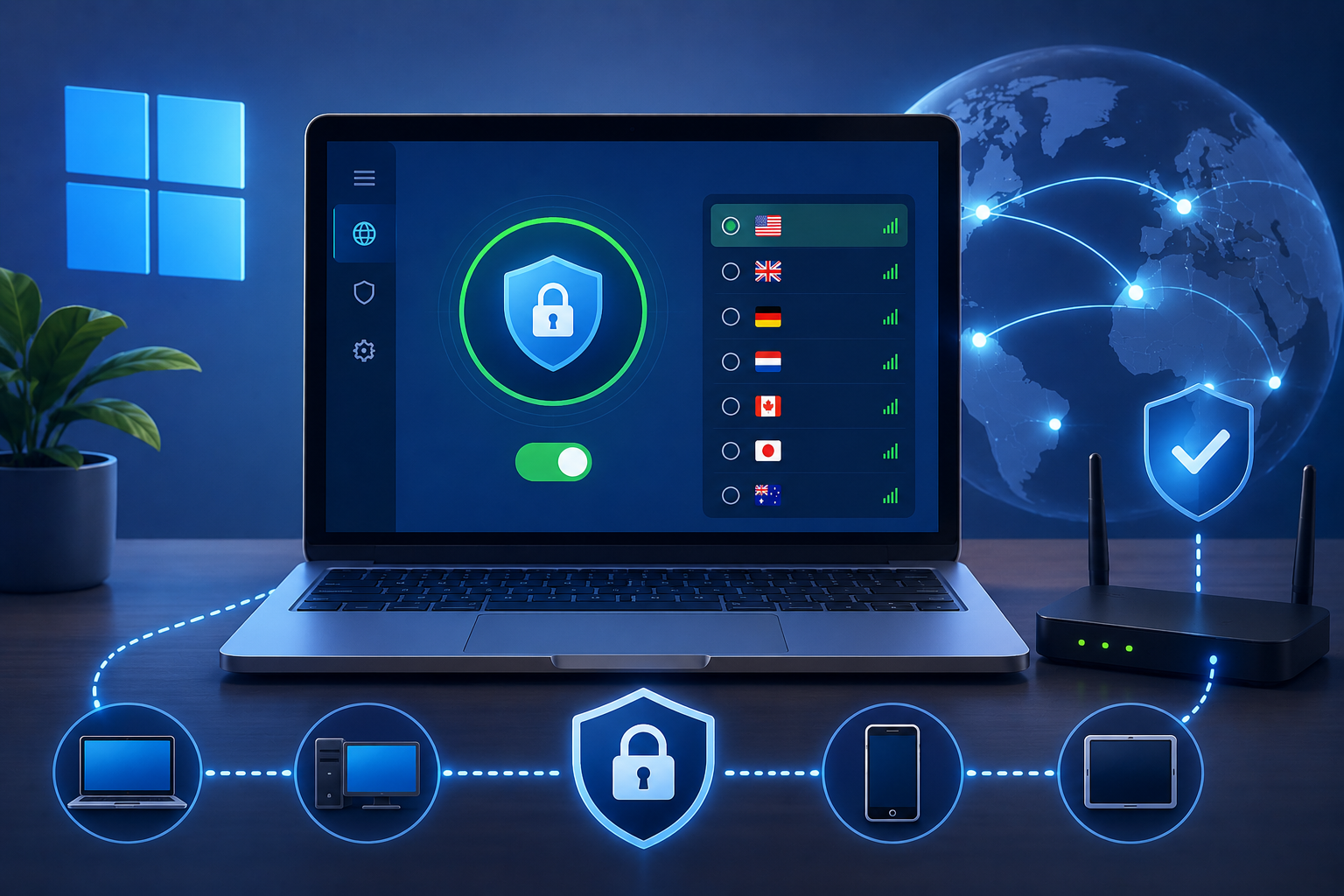
A VPN is most useful when its individual functions are understood as parts of a broader network setup rather than as a single all-purpose privacy switch. The encrypted tunnel is only one layer. Server choice, DNS handling, traffic routing, connection protection, and device limits all influence how the service behaves in practice. Looking at these elements separately makes it easier to decide which settings matter for a particular device, network, or browsing situation.
The core function of a VPN is to create an encrypted connection between the user's device and a remote server. Traffic passes through that protected route before continuing to websites and online services.
At the same time, the public IP address associated with the ordinary internet connection is replaced by the address of the VPN server. This changes the visible network endpoint without altering the device itself.
The service information at https://toggle.org/ also identifies ChaCha20 encryption, along with support for WireGuard and Shadowsocks. These technologies relate to the way traffic is protected and transported, while other features handle different parts of the connection.
A VPN connection is not limited to the visible IP address. Domain name requests are another part of ordinary browsing, which is why private DNS is relevant to the overall setup.
DNS is responsible for translating human-readable domain names into the network addresses computers use. Routing these requests through a privacy-focused DNS configuration helps keep them aligned with the VPN connection rather than treating them as an unrelated process.
This is different from selecting a server country or changing a protocol. DNS handling concerns how domain requests are resolved, while those other controls affect routing and connection behavior.
Not every application needs to follow the same network route. Split Tunneling allows a user to determine which applications use the VPN and which continue through the ordinary connection.
This can be practical on devices that run several internet-dependent programs at once. A browser might need VPN routing while another application is allowed to use the normal connection, or the opposite arrangement may be preferred.
The key distinction is that Split Tunneling decides which traffic enters the VPN, whereas server selection decides where that VPN traffic exits. Keeping those roles separate makes configuration more predictable.
Even a stable VPN session can be interrupted by changes in Wi-Fi, network switching, or temporary connectivity problems. If the VPN drops while the internet connection remains active, traffic could otherwise return to the normal route automatically.
A Kill Switch is designed to prevent that fallback. Instead of allowing unprotected traffic to continue, it can block internet access until the VPN connection is restored.
This function is therefore about continuity of protection rather than encryption strength. It does not make the tunnel itself stronger; it determines what happens when the tunnel is unavailable.
The server network contains more than 1,400 servers spread across several regions. Locations include countries such as the United States, Canada, the United Kingdom, Germany, France, Australia, Singapore, Switzerland, Austria, and the Netherlands.
Manual server selection changes the geographic endpoint associated with a VPN session. This can be useful when a specific region is relevant, while automatic selection can reduce unnecessary manual configuration when location does not matter.
Server choice should not be confused with antivirus protection, operating-system security, or malware detection. It changes the network path but does not inspect every file or protect the device from every type of threat.
One account supports up to 10 simultaneous devices, so the VPN can be active on several pieces of hardware at the same time. Supported platforms include Windows, macOS, Android, iOS, Android TV, and Apple TV.
The number of active devices is separate from bandwidth usage. The service states that VPN bandwidth is unlimited, which means traffic volume is not defined by the same limit that applies to simultaneous connections.
Family Sharing is another account-level function. A Premium subscription can be shared with up to five additional people, but this concerns account access rather than the technical way traffic is routed.
A stated no-logs policy addresses the information retained about online activity, while encryption protects data in transit. These are related but distinct parts of privacy.
The client software is also published on GitHub for public review. That does not replace technical auditing, but it provides another form of transparency around how the applications are built.
A practical VPN setup therefore comes from understanding the purpose of each control. Encryption protects traffic, private DNS handles domain requests, Split Tunneling selects which applications use the tunnel, the Kill Switch addresses interruptions, and server choice determines the remote endpoint. Keeping these functions separate leads to a clearer and more manageable network configuration.