 English
 Arabic
 French
 Spanish
 Portuguese
 Deutsch
 Turkish
 Dutch
Dutch
 Italiano
 Russian
 Romaian
 Portuguese (Brazil)
 Greek
Greek
Avocado Market: Competitive Trends and Growth Potential
Other |
2026-08-21 11:51:51
 Social Networth OS
 Creator Commerce
 Launch Startup
 Global News
 Creator Award
 Talkfever App
Afiseaza-i pe toti
Talkfever App
Afiseaza-i pe toti

Upgrade to Pro
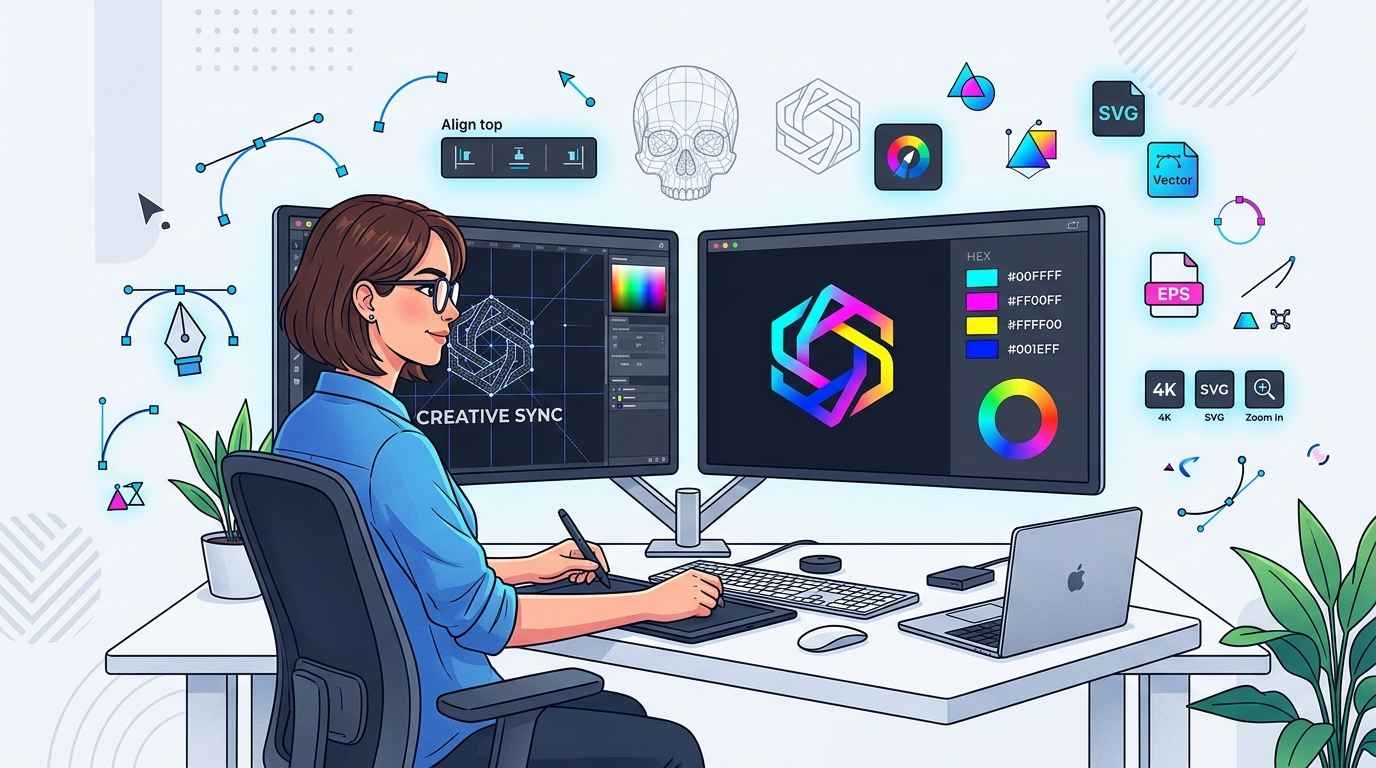
Digital artwork is used across many business and creative applications, including printing, embroidery, signage, product packaging, promotional materials, and online marketing. However, not every image is suitable for professional production. Low-resolution files can become blurry when enlarged, while complex artwork may contain rough edges, unclear details, or inconsistent shapes. Advanced vector art services help solve these issues by converting and refining artwork into clean, scalable vector files that can be used across different applications.
Unlike basic image tracing, advanced vector work often requires manual editing and technical judgment. Complex logos, detailed illustrations, damaged artwork, and low-quality images may need careful reconstruction to produce accurate paths and clean shapes. The goal is to create artwork that remains clear when resized while preserving the important characteristics of the original design.
This guide explains what advanced vector services involve, how they differ from basic conversion, and when professional assistance may be necessary.
Advanced vector art services involve converting, rebuilding, or refining artwork using mathematical paths instead of fixed pixels. Vector files are created with points, lines, curves, and shapes that can generally be resized without the loss of visual quality associated with raster images.
The process may include more than automatic tracing. A designer may need to redraw shapes manually, correct curves, remove unwanted elements, repair damaged areas, adjust proportions, separate colors, and organize layers.
These services are particularly useful when artwork has technical or visual issues that cannot be corrected through simple image enlargement or basic conversion.
Common vector formats include AI, EPS, SVG, and PDF, although the appropriate format depends on the intended use and production requirements.
Basic tracing software can quickly identify edges and convert parts of an image into paths. This may be useful for simple artwork with strong contrast and clean shapes.
However, automatic tracing can also create unnecessary points, uneven curves, rough edges, and inaccurate shapes. These issues may become more visible when the artwork is used for large printing or precise production.
Advanced vector work usually involves manual review and correction. Instead of accepting every path created by software, the designer evaluates the artwork and adjusts it to create cleaner and more efficient shapes.
For example, a simple logo may only need basic cleanup. A detailed logo with overlapping elements, gradients, thin lines, and damaged edges may require more extensive reconstruction.
One of the most common reasons to use vector artwork is large-format printing. Banners, signs, vehicle graphics, wall displays, and trade show materials often require artwork to be enlarged significantly.
A small raster image may become pixelated when scaled beyond its original resolution. Vector artwork can generally be resized more effectively because the design is based on mathematical paths rather than a fixed grid of pixels.
When a logo or graphic will be used at multiple sizes, preparing a clean vector version can provide greater flexibility for future marketing and production projects.
Many businesses only have an old JPG, PNG, screenshot, or scanned version of their logo. These files may work for small digital uses but can create problems when used for printing or manufacturing.
Advanced vector art services can help rebuild the logo from the available reference. A designer may recreate letters, symbols, borders, and other important elements while improving the accuracy of shapes and curves.
This is especially useful when the original editable artwork is no longer available. However, the quality of the final reconstruction depends on the clarity of the reference material and the complexity of the design.
Some designs are more difficult to convert than others. Detailed illustrations, decorative lettering, overlapping shapes, and complex logos can require more manual attention.
Automatic conversion may misinterpret parts of these designs or create an excessive number of paths. A carefully prepared vector file can simplify unnecessary points while preserving the visual details that matter for the intended application.
In professional production, cleaner paths can also make the artwork easier to edit in the future.
Screen printing, promotional products, labels, and branded merchandise often require clear artwork with defined colors and shapes.
Vector files can make it easier to separate colors and prepare designs for different production methods. For example, a design may need individual color layers or simplified shapes before it is printed on apparel or promotional products.
The artwork requirements should always be confirmed with the printer or manufacturer because different production methods may have specific file and color requirements.
Sometimes the purpose is not simply to convert an image into a vector file. A business may need to update an old logo, remove an outdated element, repair missing sections, or prepare a new version for different applications.
Advanced vector work can support these changes by rebuilding the design with editable paths. This can make future modifications easier because individual shapes and elements can be adjusted without recreating the entire graphic.
For example, a business may need a horizontal logo for a website, a compact version for social media, and a simplified version for small promotional items. A well-organized vector file can provide a useful starting point for these variations.
Embroidery requires artwork that clearly communicates the important shapes and details of a design. Although vector files do not automatically become embroidery files, clean vector artwork can provide a better reference for preparing embroidery-ready designs.
When artwork contains blurry edges or unclear details, it can be more difficult to determine which elements should be preserved or simplified. A refined vector version helps establish cleaner shapes and clearer design boundaries before the embroidery preparation process begins.
Complex designs may still require adjustments because thread has different limitations than ink or digital graphics. Small details, thin lines, and gradients may need to be adapted for the final embroidery size.
Professional vector files are usually prepared with the intended application in mind. The requirements may vary, but several factors often affect the usefulness of the final artwork.
A vector file should contain smooth curves and logical shapes. Excessive anchor points can make artwork harder to edit and may create irregular edges.
When artwork is intended for printing or production, color information should be organized appropriately. Individual elements may need to be separated into layers or grouped logically for easier editing.
Different applications require different file formats. AI and EPS files are commonly used in professional design and printing workflows, while SVG is frequently used for web graphics. PDF may also be used when a print-ready vector format is required.
When rebuilding artwork, maintaining the correct proportions of logos and symbols is important. Small differences in spacing or shape can affect brand consistency.
Not every image requires advanced work. A simple logo with solid colors, clear edges, and minimal detail may be suitable for basic conversion.
Before choosing a service, consider the complexity of the artwork and how it will be used. If the design is intended only for a simple application and the source image is already high quality, extensive reconstruction may not be necessary.
Advanced services are most useful when the artwork needs technical correction, precise manual editing, or preparation for demanding production requirements.
Before submitting artwork, identify the purpose of the final file. Explain whether it will be used for printing, embroidery, signage, packaging, or online design.
You should also provide the best available version of the original artwork. Even if the image is low resolution, additional references can help maintain accuracy. If brand guidelines, original colors, or previous versions of the logo are available, these can also support a more reliable result.
It is useful to ask for the final file in the formats required by your production workflow. This helps avoid additional conversion work later.
A frequent mistake is assuming that increasing the size of a small image will improve its quality. Enlarging a raster file does not recreate missing visual information. It may simply make pixels larger or introduce software-generated details that do not match the original design.
Another issue is relying entirely on automatic tracing for complex artwork. Automated tools can be helpful, but they may not recognize the intended shape of damaged or detailed graphics.
It is also important to avoid requesting unnecessary complexity. If a logo will be used at a very small size, simplifying fine details may produce a clearer and more practical result.
Advanced vector art services are useful when artwork requires more than a basic automatic conversion. They can help businesses and designers rebuild low-resolution logos, correct complex shapes, prepare scalable files, organize production-ready artwork, and create editable graphics for future use.
The right approach depends on the complexity of the original design and the intended application. By providing clear reference files and explaining how the artwork will be used, you can achieve a more practical and accurate final result. For businesses that need professional assistance with complex artwork, idigitize can help prepare clean vector files for a variety of design and production requirements.
Raster artwork is made of pixels and can lose clarity when enlarged. Vector artwork uses mathematical paths and shapes, making it more suitable for resizing and professional editing.
Yes, but the quality of the result depends on the original image. Complex or blurry artwork may need manual reconstruction to create accurate shapes.
The best format depends on your intended use. AI and EPS are commonly used for professional editing and printing, SVG is widely used for web applications, and PDF can be useful for sharing print-ready vector artwork.
No. Automatic tracing can create unnecessary points and inaccurate shapes, particularly when the source artwork is complex or low quality. Manual editing may be needed for professional results.
No. Vector artwork and embroidery files are different. A vector file can provide a clean reference, but it must still be converted into machine-readable stitch instructions before embroidery production.


