English
 Arabic
 French
 Spanish
 Portuguese
 Deutsch
 Turkish
 Dutch
Dutch
 Italiano
 Russian
 Romaian
 Portuguese (Brazil)
 Greek
Greek
10 Formas de contactar con Expedia en español: una guía completa
Music |
2025-04-21 21:11:46
 Social Networth OS
 Creator Commerce
 Launch Startup
 Global News
 Creator Award
 Talkfever App
Смотреть все
Talkfever App
Смотреть все

Обновить до Про
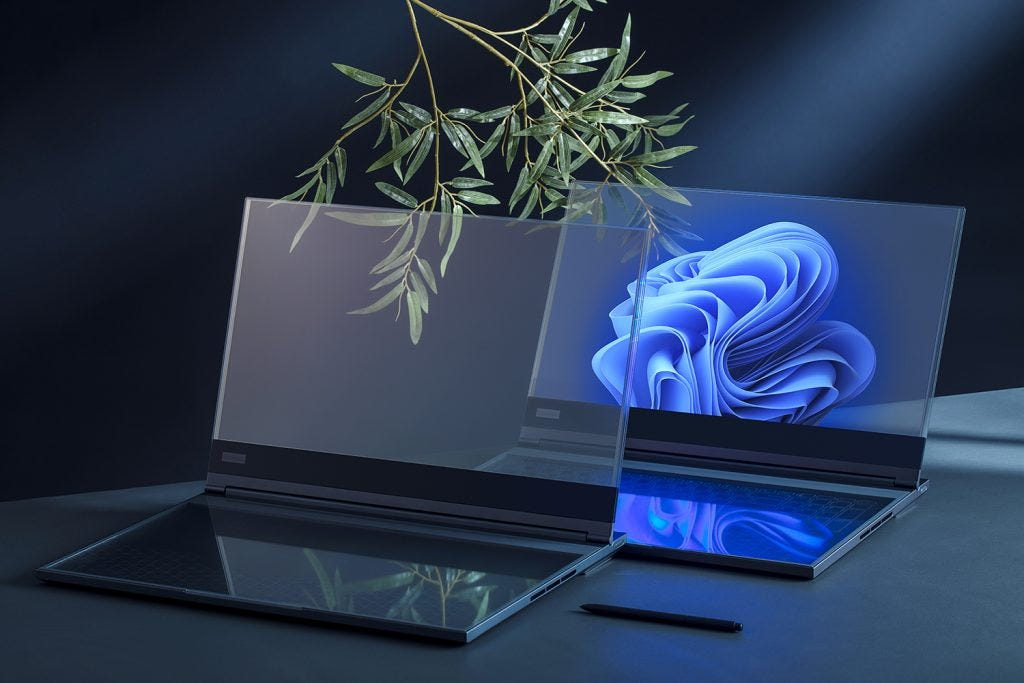
For decades, the trajectory of laptop performance was a predictable race for clock speeds and core counts, dictated by the Central Processing Unit (CPU) and, later, the Graphics Processing Unit (GPU). Today, that trajectory has been fundamentally rerouted. We are witnessing the dawn of a new computing paradigm, not defined by raw power alone, but by specialized intelligence. At the heart of this shift lies the Neural Processing Unit (NPU), a dedicated silicon brain that is transforming the laptop from a general-purpose tool into an AI-Optimized partner. This evolution marks a move "Beyond the Chip" as we knew it, into an era of heterogeneous computing where the right task is intelligently routed to the right engine.
How It Works: The Anatomy of an AI-Optimized Laptop
The AI-optimized laptop is built on a tripod of processing power, a concept now championed by all major chipmakers (Intel’s Core Ultra, AMD’s Ryzen AI, and Apple’s Silicon M-series).
The CPU (The Generalist): Remains the command center, handling the operating system, application logic, and traditional serial tasks. It’s the manager of the system.
The GPU (The Visual Powerhouse): Designed for parallel processing, it excels at graphics rendering, video editing, and complex mathematical calculations, including some large-scale AI model training.
The NPU (The AI Specialist): This is the new, crucial component. It is a microprocessor specifically designed to accelerate neural network operations—the foundational math (matrix multiplications and tensor operations) behind AI inference. It does this with extreme energy efficiency.
The "how" is in the seamless orchestration between these three. When you initiate a task like blurring a background in a video call:
The CPU recognizes the request.
It offloads the continuous, repetitive task of segmenting your image from the background to the NPU.
The NPU executes this inference (the application of a trained AI model) using a fraction of the power the CPU or GPU would require.
The GPU might then handle the final compositing of the blurred background.
This intelligent workload distribution is the core magic of the AI-optimized architecture, enabling experiences that were previously battery-draining or impossible in real-time.
Why Now? The Converging Catalysts
The rise of the NPU is not accidental; it is a necessary response to several converging trends:
The Proliferation of On-Device AI Models: Generative AI (ChatGPT, Stable Diffusion) and foundational models have moved from the cloud to the device. Running these locally requires hardware that can handle their complexity without a network connection.
The Insatiable Demand for Real-Time AI: Latency is the enemy of user experience. For AI to be truly interactive—live translation, voice assistants that understand context, instant photo enhancement—processing must happen instantly on the device. The NPU provides this low-latency response.
Privacy and Security Imperatives: Processing sensitive data (your voice, your documents, your video feed) locally on the NPU, rather than sending it to the cloud, inherently enhances data privacy and security. Your data stays with you.
Cloud Economics and Reliability: Offloading AI tasks from the cloud reduces bandwidth costs for developers and ensures functionality is available even without an internet connection, making devices more reliable and capable anywhere.
Benefits and Advantages: The User Experience Transformed
The integration of a dedicated NPU delivers tangible, user-centric advantages:
Revolutionary Battery Life: This is the flagship benefit. By handling always-on AI tasks (like noise cancellation, gaze correction, or background blur) with up to 20x the efficiency of a CPU, the NPU saves the main processors for intensive bursts, dramatically extending unplugged work sessions.
Enabling New, Proactive Features: Laptops can now offer features that anticipate needs:
Advanced Videoconferencing: Automatic framing, cinematic lighting effects, and real-time transcription/translation.
Creative Acceleration: AI-powered filters, object selection, and style transfer in photo/video apps that work in real-time.
Intelligent Summarization: Local AI can instantly summarize lengthy documents, meeting transcripts, or web pages.
Personalized Security: Continuous, low-power analysis of user behavior patterns for more robust threat detection.
A Foundation for the Future: The NPU is not just for today's apps; it's a platform for tomorrow's. It invites developers to build experiences that assume a powerful, private, and efficient AI engine is always available, unlocking a new wave of software innovation.
Disadvantages and Challenges: The Road Ahead
While promising, the AI-optimized laptop ecosystem is in its early innings, facing significant hurdles:
The Software Gap (The "Empty Hardware" Problem): The most potent NPU is useless without a robust software stack and widespread developer adoption. The ecosystem is fragmented, and compelling, must-use applications that require an NPU are still emerging. We are in a phase of potential waiting to be fully tapped.
Fragmentation and Standardization: With Intel, AMD, Apple, and Qualcomm all pushing their NPU architectures, developers face a challenge in optimizing for multiple platforms. Cross-platform frameworks (like Microsoft's Windows ML, ONNX) are crucial but add complexity.
Consumer Confusion and Marketing Hype: The term "AI PC" is being heavily marketed, often without clear differentiation. Consumers may struggle to understand what specific capabilities an NPU enables versus generic performance claims, leading to potential disillusionment.
Early Adopter Costs: First-generation technology often carries a premium. The added R&D and silicon cost for NPUs currently contributes to higher price points for these next-generation laptops.
Conclusion: Not a Gimmick, But a Fundamental Shift
The integration of the NPU represents a fundamental architectural shift, as significant as the move from single-core to multi-core CPUs or the introduction of dedicated GPUs for consumers. It moves us from a paradigm of "compute for calculation" to "compute for cognition."
The AI-optimized laptop is not merely a faster version of its predecessor; it is a different kind of device. It promises a future where our primary computing device is more responsive, more personal, more private, and vastly more efficient. While the software ecosystem must mature to realize its full potential, the hardware foundation is now firmly in place. We have moved beyond the general-purpose chip, into an era of specialized silicon harmony, where intelligence is not just software, but an intrinsic, efficient, and powerful feature of the machine itself.
Q1: Do I need an NPU in my laptop right now?
If you are a mainstream user, it’s a strong future-proofing consideration but not an urgent necessity. If you are a professional using AI-enhanced creative apps (Adobe Suite, DaVinci Resolve), a developer building AI applications, or a power user who values cutting-edge features like advanced video calling and local AI assistants, an NPU-equipped laptop offers tangible benefits today and will become increasingly relevant.
Q2: Can't my powerful GPU handle all AI tasks?
Yes, it can, but inefficiently. A GPU is a power-hungry component designed for massive parallel workloads. Using it for small, continuous AI tasks (like background blur) is like using a jet engine to power a ceiling fan—it works, but it's overkill and wastes enormous energy, draining your battery. The NPU is the purpose-built, energy-sipping solution for these always-on, low-to-moderate complexity AI tasks.
Q3: How do I know if an application is using the NPU?
This is often transparent to the user. On Windows, you can check the "Task Manager" under the "Performance" tab; modern systems will list the NPU usage. Generally, if an AI feature (e.g., Windows Studio Effects, Adobe Sensei features) works smoothly and doesn't significantly impact battery life or make the fans spin up, it’s likely leveraging the NPU efficiently.
Q4: Does an NPU replace the need for an internet connection for AI?
For many tasks, yes. Inference—the act of applying a pre-trained AI model—can happen entirely on-device. This covers live translation, photo editing AI, and voice-to-text. However, training massive new models or accessing the latest, largest cloud-based models (like the full version of ChatGPT-4) will still require an internet connection. The NPU shifts the balance powerfully toward local, private execution.
Q5: Are Apple's M-series chips with "Neural Engines" the same thing?
Yes, absolutely. Apple was a pioneer in integrating a dedicated Neural Engine (their branding for an NPU) into its system-on-a-chip (SoC) architecture. The core concept is identical: a dedicated, low-power processor for accelerating machine learning tasks. The current industry trend sees Windows/Intel/AMD platforms following a similar, essential architectural path.