English
 Arabic
 French
 Spanish
 Portuguese
 Deutsch
 Turkish
 Dutch
Dutch
 Italiano
 Russian
 Romaian
 Portuguese (Brazil)
 Greek
Greek
Order the most well-liked IGET Vape Products Which includes IGET Bar, Pro and Moreover with Quick Supply and Genuine Top quality
Networking |
2026-08-04 09:46:29
 Social Networth OS
 Creator Commerce
 Launch Startup
 Global News
 Creator Award
 Talkfever App
عرض كل النتائج
Talkfever App
عرض كل النتائج

ترقية الحساب
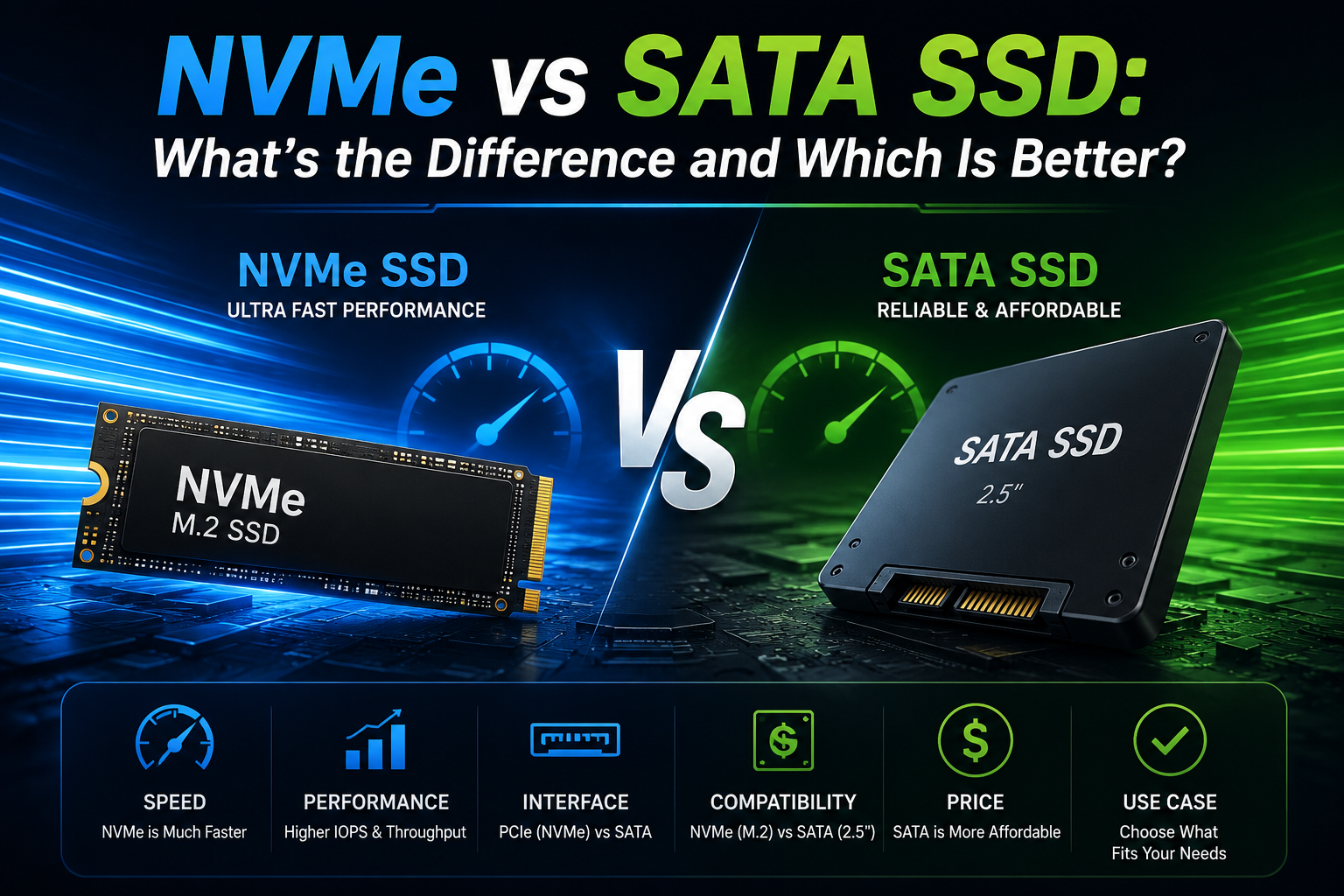
Solid State Drives, also known as SSDs, have become the first choice of people when it comes to storage devices for computers. These drives are known for their reliable and fast nature. However, when it comes to choosing between an NVMe SSD and a SATA SSD, people get quite confused, as they are not able to understand which is the better option between them. So, if you are also confused between the debate of NVMe vs SATA SSD, then this article will ensure that you can properly differentiate between them.
A SATA (Serial ATA) SSD uses the same kind of interface as the older hard drives. While it’s quite a bit quicker than an HDD, it still gets kind of “stuck” behind the SATA connection, so you usually see read and write speeds around 500–600 MB/s. In return, SATA SSDs work with a lot of systems, both older and newer, which makes them a practical and still affordable upgrade for daily use
NVMe (Non-Volatile Memory Express) SSDs instead plug in using PCIe, not SATA. Because of that, they can move data a lot faster, often landing around 3,000 MB/s up to more than 7,000 MB/s depending on the PCIe generation. These NVMe drives are basically aimed at high-performance tasks, and they can cut down load times a lot for heavier applications
To properly differentiate between nvme vs sata, you need to know about the major differences between these drivers. The most obvious difference is speed. NVMe SSDs can be multiple times faster than SATA SSDs, so they’re a good match for video editing, 3D rendering, gaming, or moving big files all day
SATA SSDs, though, are usually cheaper, and they do really well for normal routines like web browsing, office work, streaming, and simple photo editing. They also tend to run cooler and fit more devices without much fuss.
The answer to which is the better drive depends on what you actually do. If you work a lot with large projects, use pro software, or just want the best boot and load times, an NVMe SSD is the stronger pick.
However, if you want a storage upgrade that doesn’t cost much and you mostly do general computing, a SATA SSD gives a lot for the money.
The website Datarecovee will provide you with more information about these drives.